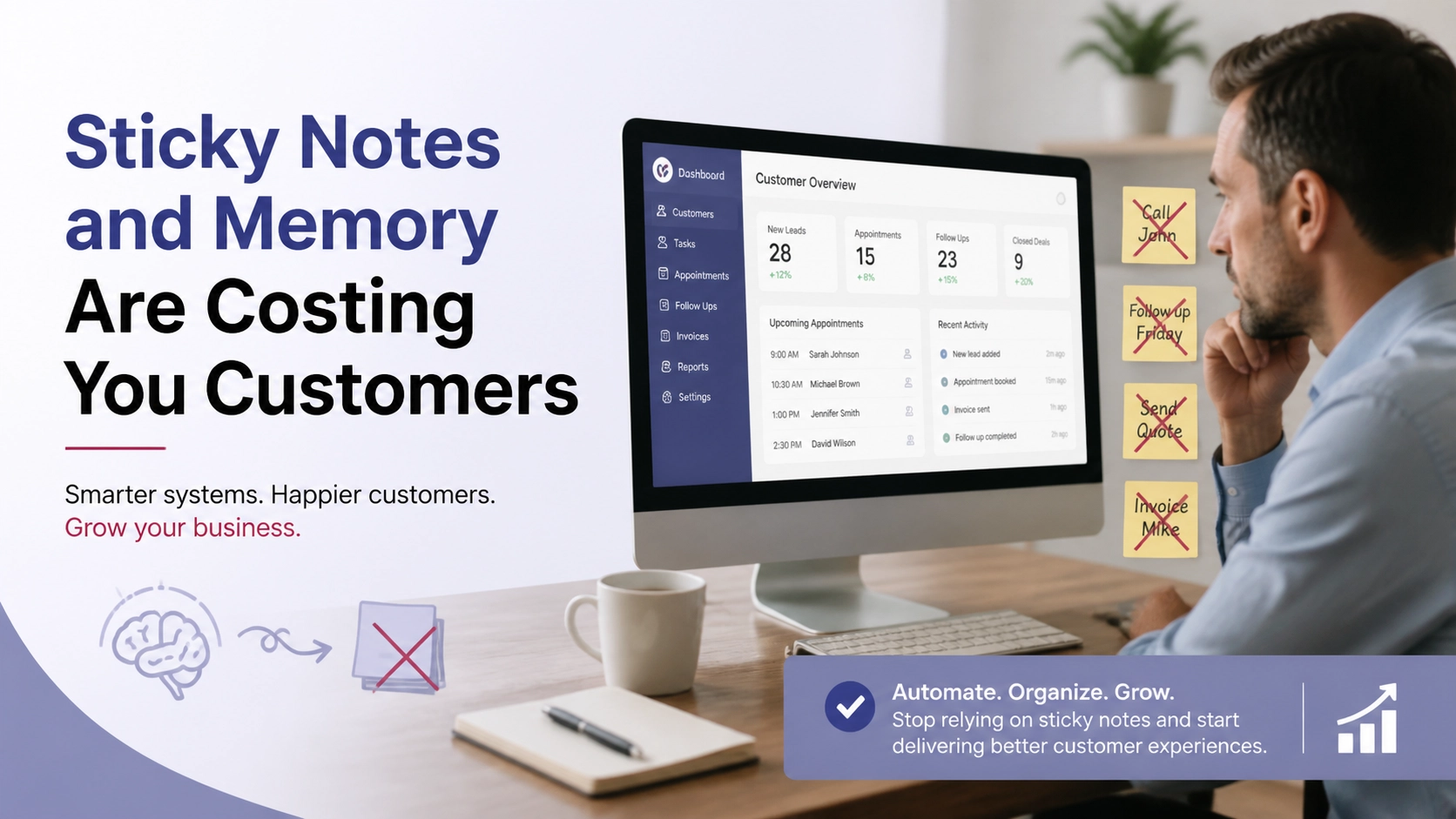


You know where your best lead from last month is right now? Probably buried in your inbox under 47 other emails, or on a sticky note that migrated to the bottom of a drawer, or in your phone under a first name you don’t quite remember. You meant to follow up. You just never did.
That’s not a discipline problem. That’s a systems problem. And a CRM fixes it.
If the word “CRM” makes you picture enterprise software, six-figure implementations, and a dedicated IT team, keep reading. The version small business owners need is closer to a really well-organized notebook than a corporate database. You can set it up in an afternoon. You can learn the core features in a day. And within a week, you’ll wonder how you managed customers without it.
This article connects to a broader look at the hidden cost of informal systems in Sticky Notes and Memory: Why Small Businesses Lose Customers They Already Had. If you want the full picture of what poor follow-up costs you, start there. If you want to fix it today, start here.
What Chaos Actually Looks Like
Most small business owners don’t think of themselves as disorganized. They’ve got a system. It just lives in 7 different places.
There’s the email inbox, which doubles as a CRM for anyone who responded to a quote. There’s a spreadsheet started two years ago that has 200 rows, 4 different formatting styles, and a “notes” column that says things like “called, no answer” with no date attached. There’s a stack of business cards from the last networking event, some of which have phone numbers written on the back in ink that’s starting to smear. And there’s the follow-up list in your head, which competes for space with everything else you’re carrying.

This isn’t unique. It’s the default state for most small businesses that grew organically, adding tools and habits as needed rather than building a system from the start.
The problem isn’t that you’re losing track of everyone. You’re probably staying on top of your 10 best customers just fine. The problem is the edges: the warm lead who asked for a quote 3 weeks ago, the past customer who said “call me in the fall,” the referral you got from a good client that you never quite got around to following up on.
Those aren’t bad leads. They’re just unmanaged ones. And unmanaged leads become someone else’s customers.
The other cost is cognitive. Keeping customer status in your head takes constant mental energy. Every morning you reconstruct the list of who needs what. Every afternoon you try to remember whether you followed up with the person from Tuesday. It’s exhausting, and it scales badly. Add 10 more customers and the whole thing starts slipping.
A CRM doesn’t make you more disciplined. It offloads the remembering so you can focus on the doing.
What a CRM Does (In Plain English)
A CRM, short for Customer Relationship Manager, does one thing: it puts every customer, every conversation, and every next step in one place.
That’s it. That’s the core value.
Every contact has a record. That record holds their name, phone number, email, how you met them, every conversation you’ve had, every note you’ve taken, every follow-up you’ve scheduled. When you pick up the phone to call someone, you open their record first. You know exactly where you left off.

Instead of asking yourself “what did we talk about last time?”, you read it. Instead of trying to remember whether you sent that proposal, you check the record. Instead of hoping you’ll remember to follow up next Thursday, you set a task that reminds you on Thursday.
The better CRM tools also show you your pipeline: all the people you’re actively working with, where each of them stands in your sales or service process, and what’s stalled. If someone has been sitting in “waiting on decision” for 3 weeks, you see that. If you haven’t contacted a customer since January, you see that too.
For a small business, a CRM doesn’t need to be complicated. You need contact records, a place to log notes and conversations, task reminders, and a simple pipeline view. That’s the whole toolkit. Everything else is optional.
The Same Tuesday, Two Scenarios
To make this concrete, here’s the same Tuesday morning with and without a CRM.
Without a CRM
You sit down at 8:00 a.m. and spend the first 20 minutes scrolling your inbox trying to reconstruct your follow-up list. You remember there was someone from last week you were supposed to call back. You search “quote” in your email and find 14 threads. Three of them look relevant. You open all three, read through the chains, and eventually remember which one you meant to follow up on.
It’s 8:30. You call. No answer. You make a note in your email draft folder (or maybe a sticky note, or maybe just mentally) to try again tomorrow.
At 11:00, a past customer calls wanting to book again. You don’t immediately remember all the details of their last job, so you ask them to remind you while you search through old emails. It takes a few minutes longer than it should. The conversation is fine, but a little clunky.
At 3:00, someone calls who you quoted 2 months ago. They want to move forward. You have no idea where that quote is. You put them on hold, find it eventually, and recover. But there’s a moment where you sound less on top of things than they’d like.
End of day: you’ve handled everything that came at you. But you have no idea what you should proactively be doing tomorrow.
With a CRM
You sit down at 8:00 a.m. and open your CRM dashboard. It shows 4 tasks due today: 2 follow-up calls, 1 proposal to send, 1 check-in with a customer whose job completed last week. No reconstruction needed.
You make the first follow-up call. Before dialing, you read the record: last contacted 6 days ago, they asked for a revised scope, you noted they prefer morning calls. You get them, have a sharp conversation, and log a note in 30 seconds.
At 11:00, the returning customer calls. You pull up their record while saying hello. You know the last job, the date, what they paid, the note that says they were very happy with the result but wanted a slightly different finish next time. The conversation feels natural and prepared.
At 3:00 when the old lead calls back, you pull the record, see the quote attached, see the note that says they were comparing two options. You know exactly where the conversation left off.
End of day: 4 tasks completed, 3 new tasks logged, 0 things lost.
The difference isn’t dramatic on any single call. Compounded across a month, it changes your close rate.
The 3 Features That Actually Matter
Most CRM software comes loaded with features. Here’s what you actually need as a small business owner.
1. Contact Management
Every person you do business with gets a record: name, company if applicable, contact info, how you know them, and a notes field. That notes field is more valuable than it sounds. Use it to log conversations, preferences, important context (“dont call before 9am,” “referred by Mike Chen,” “was burned by previous contractor, needs extra reassurance”).
Over time, these records become institutional memory. When you’ve got 500 customers, you can’t hold all of that in your head. When it’s written down, you can.
Good contact management also means you can search and filter. Find everyone you haven’t contacted in 90 days. Find everyone who’s a referral source. Find everyone in a specific neighborhood or industry. Spreadsheets can technically do this, but in practice, nobody maintains spreadsheets well enough to make it useful.
2. Task Reminders
This is the single feature that has the highest direct impact on revenue for most small businesses.
A task reminder means: on a specific date, your CRM tells you to do something for a specific person. Follow up with Sandra on Tuesday. Send the revised quote to the Thompsons by Friday. Check in with the Petersons 30 days after their job closes.
Without task reminders, follow-up is based on memory and motivation. With task reminders, it’s based on a list. Lists are more reliable than memory. Full stop.
The research on follow-up is consistent: most sales happen after the 5th contact, and most salespeople give up after the 2nd. The gap isn’t talent or persuasion. It’s persistence. Task reminders make persistence automatic.
3. Pipeline Tracking
A pipeline is a visual representation of where everyone stands in your process. For a service business, the stages might look like: Inquiry, Quoted, Proposal Sent, Decision Pending, Won, Lost. For a product business, the stages might be different, but the principle is the same.
The pipeline view shows you, at a glance, who’s where. It also shows you where things stall. If you’ve got 10 people sitting in “Proposal Sent” for more than 3 weeks, you have a follow-up problem. If you’ve got nobody in “Quoted,” you have a lead generation problem. If you’re losing most deals at “Decision Pending,” you have a closing problem.
You can’t diagnose patterns without data. The pipeline gives you data without requiring you to build reports. It’s just a visual snapshot of your business development activity.
What You Don’t Need
Part of what makes people avoid CRMs is the assumption that they’re complicated. Some are. You don’t need those ones.
You don’t need:
- Automated email sequences with branching logic and A/B testing
- Deep integrations with your accounting software (useful eventually, not on day one)
- Custom fields for 40 data points per contact
- Sales forecasting dashboards with weighted probability models
- A mobile app that syncs in real-time across 9 devices
Those features exist because enterprise sales teams need them. You are not an enterprise sales team. You need to know who to call, what to say when you call them, and when to call them next.
Start with the 3 features above. Use them consistently for 90 days. At that point, you’ll have a clear sense of what else would actually help. But most small business owners who get those 3 features working never need much more.
The tools worth looking at for small businesses include HubSpot’s free tier, Zoho CRM’s basic plan, and purpose-built small business tools like Jobber (for field service businesses) or HoneyBook (for service professionals). If you’re a Doorways Into Your Business client, there’s a CRM setup tailored to small business workflows already built into the platform. More on that below.
Getting Started: Set It Up This Afternoon
The barrier to starting isn’t complexity. It’s inertia. Here’s how to break it in a few hours.
Step 1: Import Your Contacts (60-90 minutes)
Export your existing contacts from wherever they live. Gmail lets you export contacts as a CSV. Your phone contacts can be exported through your carrier or phone backup. That spreadsheet you’ve been maintaining half-heartedly? Export it.
Import all of it into your CRM. Don’t try to clean it first. Get it in, then clean as you go. The goal is having everything in one place, not having a perfect database.
While you’re importing, add a few notes to your top 20 contacts. Where did you meet them? What’s the status of your relationship? Any important context? This 20-minute investment on your most important relationships pays back immediately.
Step 2: Set Up Your Pipeline Stages (15-20 minutes)
Think about how your business development actually works. What are the stages a prospect moves through from first contact to closed deal or completed job? Write them down. Then create those stages in your CRM pipeline.
Keep it simple: 4-6 stages is enough. Resist the urge to create a stage for every nuance. You can always add stages later when you see a genuine need.
Put your current active prospects into the right stage. If you’ve got 3 people you’re waiting to hear back from, they go into whatever stage reflects that. Now you have a real pipeline, not just a mental list.
Step 3: Log Your First Follow-Ups (20-30 minutes)
Go through every active prospect or warm lead you’re aware of. For each one, create a task: what do you need to do, and when? Even if the answer is “call and check in,” log it. Put a date on it.
At the end of this step, you should have a populated task list for the next 2 weeks. That list is the thing that makes tomorrow morning easier than it was this morning.
Step 4: Use It For One Week Straight
The setup doesn’t matter if the habit doesn’t form. For the first week, commit to opening your CRM before you check email in the morning. Work your task list. Log every conversation as a note. Set a follow-up task before you close any customer record.
Seven days of consistent use will tell you whether the tool is working for your workflow. If something feels clunky, adjust it. If a stage doesn’t make sense, rename it. The tool should fit how you work, not the other way around.
By day 10, the habit is forming. By day 30, you won’t want to go back.
The Payoff
The business owners who build this habit consistently report the same thing: they stop losing deals they should have won. Not because they became better salespeople overnight. Because they stopped forgetting.
A CRM doesn’t close deals for you. It makes sure you show up, prepared, at the right time. That’s the thing most small businesses are missing. The leads are often there. The relationships are often there. The follow-through is what falls apart.
One organized system, used consistently, fixes that.
If your customer management still lives in 7 different places and follow-ups live in your head, the next step is straightforward: get it into one system and start building the habit this week.
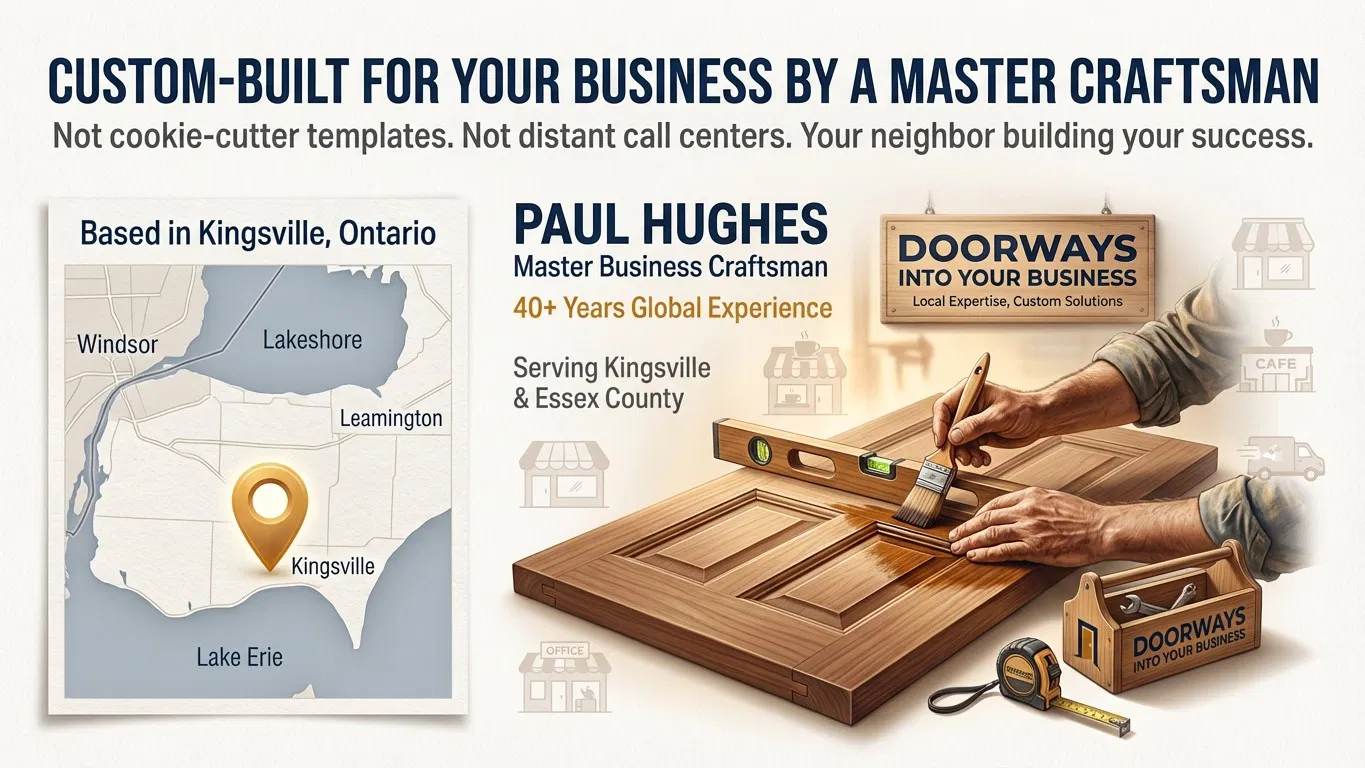
Doorways Into Your Business installs Smart Digital Doorways and CRM systems for small and medium businesses in the Windsor-Essex region, built around the workflows that actually match how small businesses operate. Book a free consultation to get yours set up at https://blog.diyb.ca/contact-diyb.