
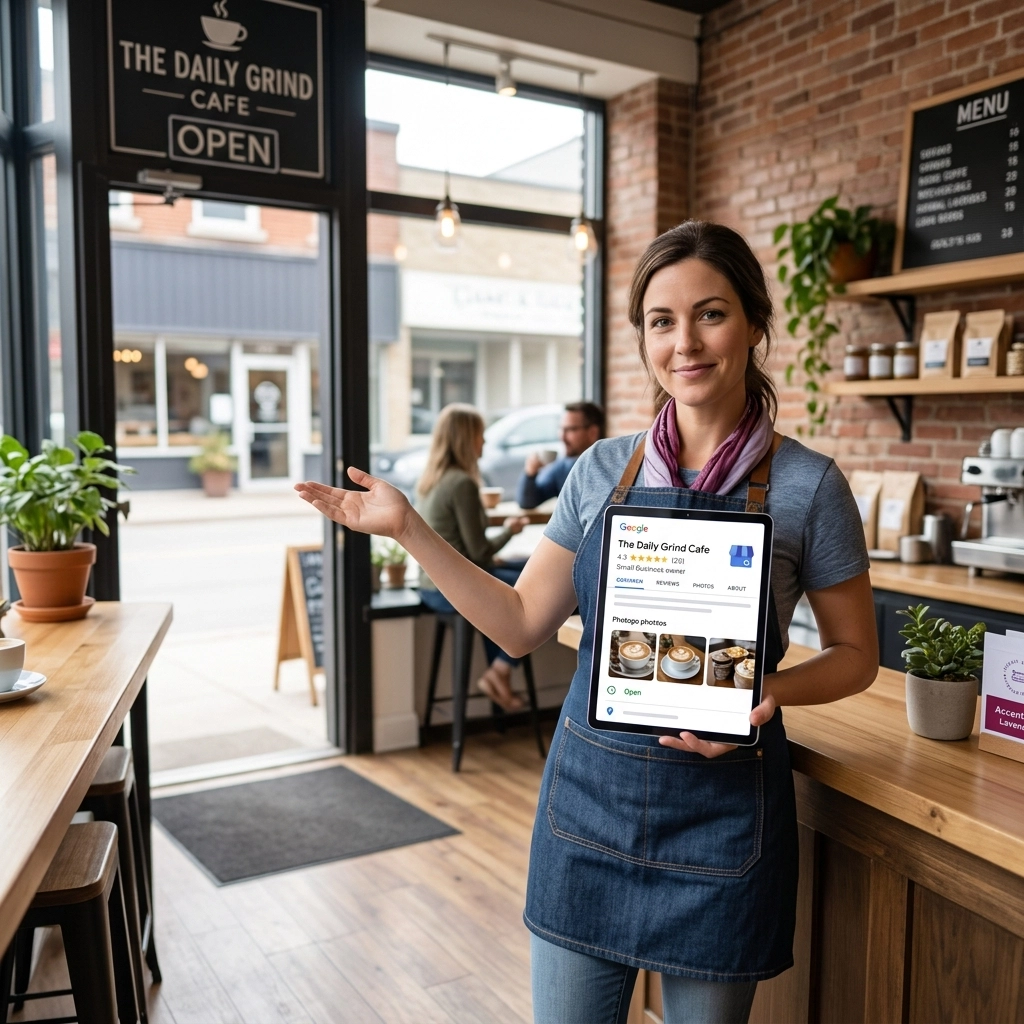
A customer in Leamington pulls out their phone and searches “best bakery near me.” Three businesses appear in a map with star ratings, photos, hours, and a button to call. They tap the one with recent photos of fresh croissants and 47 reviews averaging 4.8 stars. They never visit a single website.
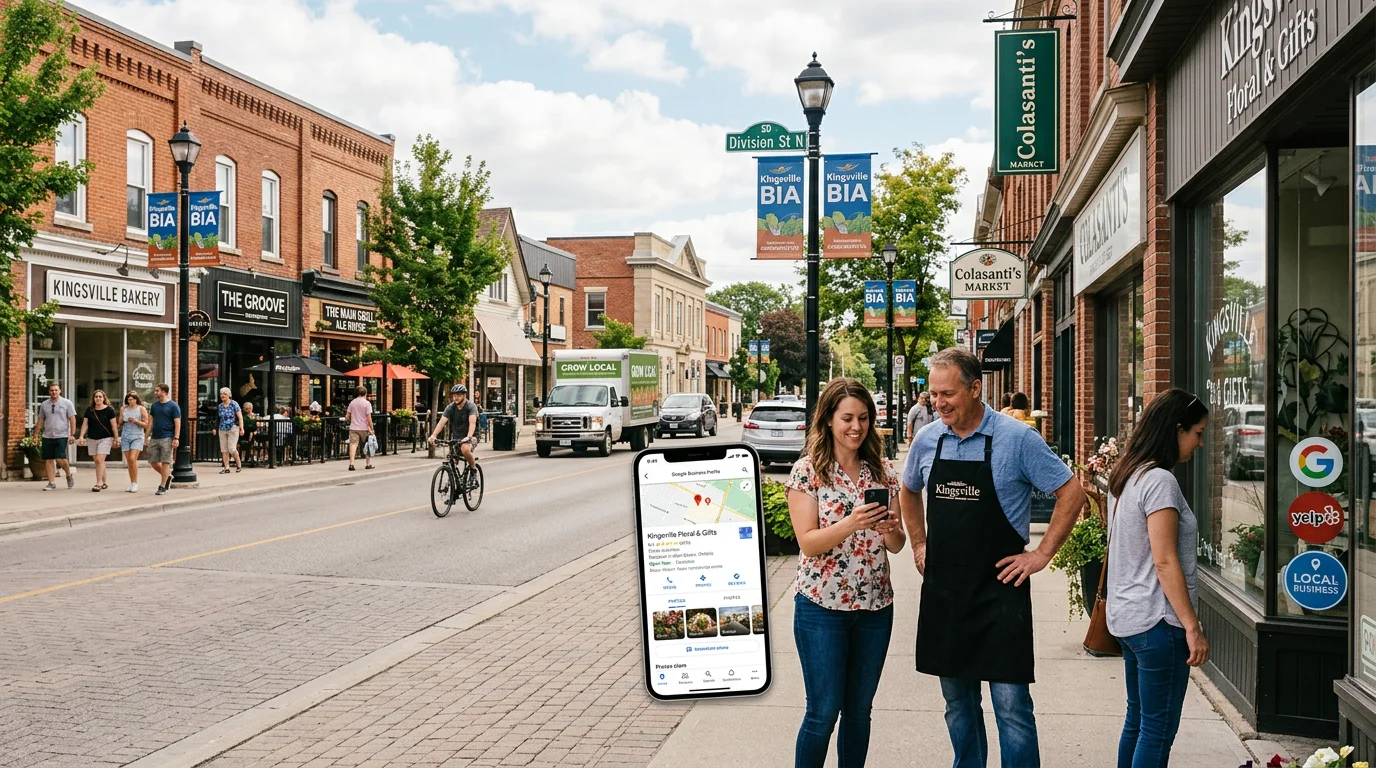
That moment, the one before any click to a homepage, is decided by Google Business Profile. And for most businesses in the Kingsville, Ontario and Windsor-Essex region, that doorway is in rough shape. Hours haven’t been updated since the last time the holiday schedule changed. The most recent photo is from 2021. Questions sit unanswered. Reviews from two years ago never got a reply.
The frustrating part: Google Business Profile is free. Fully free. And it does more for local visibility than almost any paid ad campaign a small business will ever run. If you’ve been ignoring yours, this is the cheapest, fastest fix available.
Your GBP Is the First Doorway Customers Walk Through
When someone searches for a local business on Google, what they see first isn’t a list of websites. It’s the local 3-pack: three Business Profiles in a map at the top of the results page. Below that, more profiles. Below that, eventually, organic website links.
For “near me” searches, mobile searches, and any search with local intent, your Google Business Profile is the doorway customers actually encounter first. Your website is the second doorway, if they make it that far.
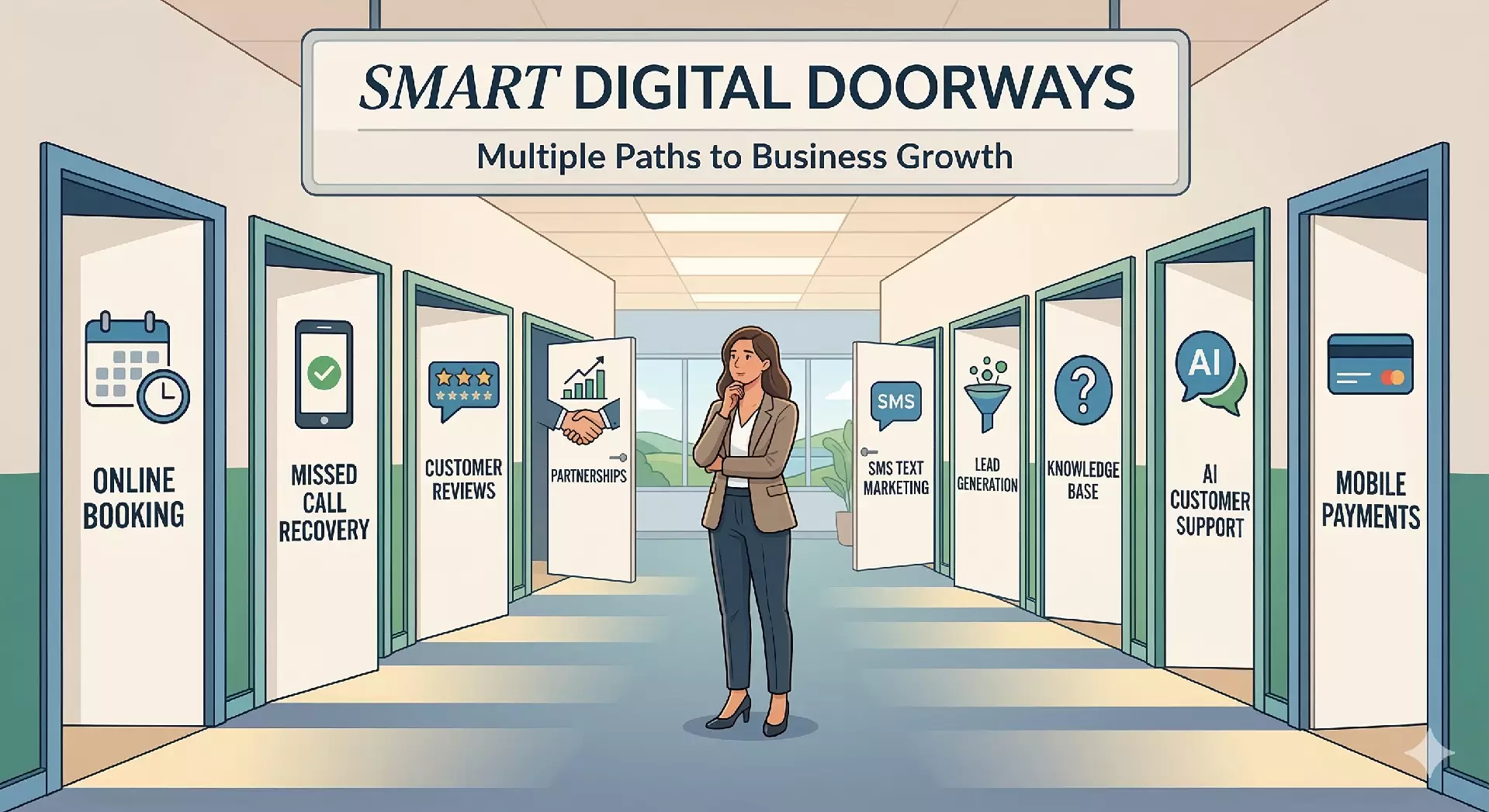
This connects directly to the broader idea behind Smart Digital Doorways: your business has multiple entry points online, and every one of them needs to look like somewhere a customer would want to walk through. A neglected GBP is like a storefront with peeling paint and a hand-written “Closed?” sign taped to the window. Even if the inside is beautiful, people walk past.
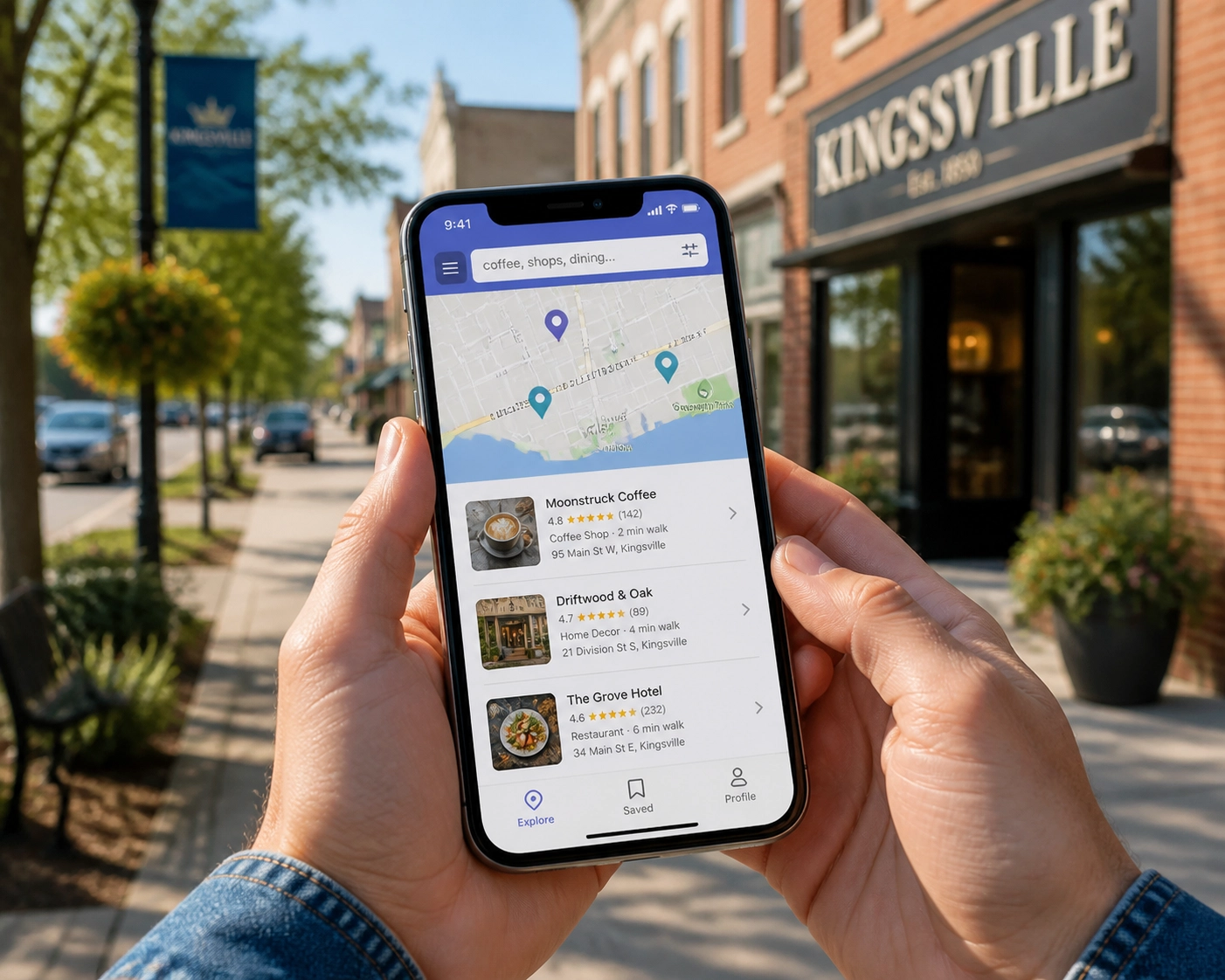
The good news is that fixing a GBP costs nothing but time. The better news is that Google actively rewards businesses that keep their profiles updated. Profiles with fresh photos, recent posts, current hours, and active review responses rank higher in the local 3-pack than dormant profiles. Local SEO isn’t just about what’s on your website anymore. A significant chunk of it lives on Google’s own platform, in the profile you control.
The “Set and Forget” Problem
Here’s the typical story. A business owner sets up their Google listing when they open. They add the address, phone number, hours, maybe a few photos. They claim the profile. Done.
Then three years pass.
In that time, hours have changed (twice). The phone number is still right but the business added online booking. The product mix shifted. Two locations of a competitor opened nearby. A customer asked a question on the profile in 2022 and never got an answer. Reviews accumulated, some glowing, some critical, none of them acknowledged.
The profile didn’t disappear. It just slowly decayed into background noise. And every week it sits in that state, it’s costing the business calls, visits, and customers, quietly, without ever sending a single visible signal that anything is wrong.
Common symptoms of a set-and-forget profile:
- Outdated hours. Holiday hours from last Christmas still showing. “Open” listed for a day the business is actually closed.
- No recent photos. Last upload is years old, or the only photos are the ones Google pulled from somewhere else.
- Empty Q&A section. Questions from real customers sitting there for months with no answer, or worse, answered incorrectly by random users.
- No posts. The Posts feature exists. Most business owners don’t know it does.
- Reviews with no responses. Both positive and negative. Silence on either looks bad.
- Missing services or products. The profile shows “Restaurant” but doesn’t list that it now does catering, private events, or online ordering.
- No booking or action button. Customers have to dig to figure out how to actually transact.
If three or more of those describe your profile, you’re leaving meaningful business on the table.
What an Optimized Profile Actually Looks Like
Optimized doesn’t mean perfect. It means alive, current, and useful. Here’s what that looks like in practice.
Complete and Accurate Core Info
Every field Google offers should be filled. Business name, exact category (and secondary categories), full address, phone, website, hours including holiday hours, service area if you travel to customers, attributes like “wheelchair accessible” or “free Wi-Fi” or “women-owned.”
Empty fields are missed ranking signals. Google uses what you tell it to decide which searches you’re relevant for.
Fresh Photos, Added Monthly
Not “we uploaded a batch when we opened.” A steady drip of new photos, monthly at minimum. Interior shots, exterior shots, products, team, customers (with permission), events, behind-the-scenes. Photos should look current, the seasons in the windows should roughly match the current season, the staff in photos should be staff who actually work there now.
Regular GBP Posts
More on this below, but optimized profiles post at least twice a month. Updates, offers, events, new products, seasonal reminders.
Active Q&A Section
Owner-answered questions, written in a tone that matches the business. And, importantly, owners proactively adding their own most-common questions and answering them, so the section is seeded with useful information rather than waiting for customers to ask.
Review Responses on Everything
Every review, positive and negative, gets a response within a few days. Positive reviews get a warm, specific thank-you. Negative reviews get a calm, professional acknowledgement and an offer to resolve offline. Silent profiles signal abandonment.
Services and Products Listed
If the business offers discrete services (cuts, dyes, perms for a salon; oil changes, brake jobs, alignments for a mechanic), each one gets its own entry with description and price range where possible. Same for products.
A Booking or Action Link
The “Book,” “Order Online,” “Get Quote,” or “Reserve” button. If the business takes appointments, this is where the booking link lives. This is the conversion point of the profile, the equivalent of the single goal on a landing page (see One Page One Goal for the principle).
Google Rewards Active Profiles
The local 3-pack is the prize. Three slots, at the top of the search page, that get the vast majority of clicks for local searches. Getting into those three slots is what local SEO is fundamentally about.
Google’s local ranking algorithm weighs three big factors:
- Relevance. Does the profile match what the searcher asked for? (Categories, services, name, description.)
- Distance. How far is the business from the searcher?
- Prominence. How established and active is this business online? (Reviews, citations, web presence, and crucially, profile activity.)
Distance you can’t change. Relevance you set up once and tune. Prominence is where active profile management pays off. A profile that gets new photos every month, fresh posts twice a month, prompt review responses, and current Q&A signals to Google that this is a real, operating, customer-facing business worth showing to searchers.
Two competitors a block apart, one with a meticulously maintained profile and one set-and-forget, will not rank equally. The active one wins, often by a wide margin, even if the dormant business is technically larger or older.
GBP Posts: The Feature Most Owners Don’t Know Exists
Here’s a feature most business owners walk right past: Google Business Profile lets you publish posts directly to your profile. They appear on the profile when customers view it, and they signal freshness to Google.
There are several post types:
- Updates. General news, announcements, new staff, milestones.
- Offers. Discounts, promotions, limited-time deals with start and end dates.
- Events. Sales, workshops, open houses, community events.
- Products. Highlighting specific items with photos and prices.
Posts expire after 7 days for most types (offers and events can run longer with set dates), which is by design: Google wants the profile to keep moving. A business posting twice a month builds a steady drumbeat of activity. A business posting zero times a month looks frozen.
Posts don’t need to be elaborate. A photo, two or three sentences, a link, done. Five minutes a week if you batch them. The payoff is real: posts appear in profile views, they get clicks, and they keep the profile from going stale.
If you do nothing else from this article, start posting. It’s the single highest-leverage action available on the platform.
The Photo Statistic That Should End the Debate
Google’s own research, repeated across multiple studies of local search data, points to a number that should end any argument about whether photos matter: businesses with 100 or more photos on their profile receive roughly 520% more calls than businesses with fewer than 10 photos.
Five hundred and twenty percent. Not 5%. Not 50%. Five hundred and twenty.
The mechanism is straightforward. Photos help customers picture themselves walking into the business. They reduce hesitation. They answer questions a customer didn’t know they had (“Is there parking?” “Is it casual or formal?” “Do they actually make what I want?”). They make a profile feel like a real place run by real people.

Practical photo targets for a small business:
- Exterior. At least 5, showing the storefront from different angles, in different seasons, in different lighting.
- Interior. At least 10, showing the full space customers experience.
- Products or services. At least 20, ideally many more. For a restaurant, every menu item. For a service business, before-and-after shots.
- Team. At least 5, putting faces to the business.
- Customers in context. Action shots of the space being used (with permission).
A Kingsville, Ontario restaurant with 150 well-lit photos of food, room, and team will out-call a competitor with 8 photos every single day. The cost: a phone and a few hours spread over a few months.
The Quick Optimization Checklist: 10 Things to Update Today
If you have one hour, here’s what to do, in order. Each one takes between two and ten minutes.
1. Verify your hours are current. Including holiday hours for the next 90 days. Set special hours for Christmas, New Year’s, Easter, Canada Day, civic holiday, Labour Day, Thanksgiving, Remembrance Day, Boxing Day.
2. Check that your business category is correct. And add secondary categories if relevant. A bakery that also does coffee should have both. A mechanic that does tires should reflect that.
3. Add a complete services or products list. With prices or price ranges where possible. Be specific. “Haircut” is fine. “Men’s haircut, women’s haircut, kids cut, beard trim” is better.
4. Upload at least 10 new photos. Today. Take them with your phone if you have to. Aim for variety: exterior, interior, what you sell, team.
5. Write and publish your first GBP Post. Anything current. A new arrival, a seasonal offer, a reminder that you’re open. Two sentences, one photo, done.
6. Respond to every unanswered review. Even the ones from a year ago. Especially the negative ones. Calm, professional, never defensive.
7. Answer every question in your Q&A section. Then add three of your own most-common questions and answer them yourself. (Google explicitly allows this.)
8. Add or update your booking/action link. Make sure the button at the top of your profile does the thing you most want customers to do.
9. Write or refresh your business description. 750 characters, focused on what you do, who you serve, and what makes you worth choosing. Mention your service area naturally.
10. Set a recurring reminder. Twice a month for posting. Once a month for new photos. Once a week for review responses. Put it in your calendar before you close this article.
Most business owners can complete this list in under 90 minutes. The impact, especially on a profile that’s been dormant, shows up within a few weeks in profile views, calls, and direction requests, all of which Google reports back to you in the GBP dashboard.
Why This Is the Highest-ROI Hour in Marketing
There are very few marketing activities available to a small business that cost nothing and produce measurable results within weeks. Google Business Profile is one of them. The asset already exists. The audience is already searching. The only thing missing on most profiles is the owner’s attention.
Compare it to other channels. A Facebook ad campaign requires budget, creative, and ongoing testing. A new website is a multi-month project. SEO content takes months to rank. GBP optimization, by contrast, can be largely complete in an afternoon, and the returns start showing up in profile insights almost immediately.
The profile is a doorway you’ve already built. The question is whether you keep the lights on, the windows clean, and the sign updated, or whether you let the paint peel while customers walk past to the business next door that’s clearly paying attention.
Get a Free Digital Presence Audit
If you’re not sure what state your Google Business Profile is in, or how it stacks up against competitors in the Windsor-Essex region, Doorways Into Your Business offers a free digital presence audit that includes a full review of your GBP alongside your website and other digital doorways. You’ll get a clear list of what’s working, what’s broken, and what to fix first.
Book the audit at https://blog.diyb.ca/contact-diyb. It’s free, it’s specific to your business, and it takes about a week to turn around.