
It’s 5:02 PM. You’ve locked the front door, flipped the sign to “Closed,” and headed home. As far as you’re concerned, the workday is done. But for your potential customers, the day is just shifting into a new gear. Kids are getting picked up. Dinner’s being made. Someone finally has a minute to sit down with their phone and deal with that broken furnace, that leaky faucet, that lawn that’s getting out of hand.
They’re searching. They’re comparing. They’re making decisions. And if your business can’t meet them where they are, those decisions are being made without you.
Most owners have no idea how much opportunity passes them by between 5 PM and 9 AM. The lights are off, the phones are forwarded to voicemail, and the website is sitting there with a “Call us during business hours” message that quietly tells every visitor to go find someone else. That’s not a customer service decision. That’s a revenue decision. And for most small and medium businesses, it’s the single most expensive policy on the books.
The 7-Minute Decision
Here’s how it actually plays out. Watch the clock.
5:00 PM — You close.
5:15 PM — A homeowner two neighborhoods over notices water pooling under the kitchen sink. She grabs her phone and Googles “emergency plumber near me.”
5:18 PM — Three results show up. Yours is one of them. She taps your listing first because the reviews look solid.
5:20 PM — She lands on your website. It loads fine. The photos look professional. She scrolls to the contact section.
5:21 PM — She reads: “Our office is open Monday to Friday, 8 AM to 5 PM. Please call during business hours.” There’s a phone number, but it’s after hours. She calls anyway. Voicemail. She hangs up without leaving a message because nobody leaves voicemails anymore.
5:22 PM — She’s back on Google. Tap, tap. She’s on a competitor’s site. This one has a chat bubble in the corner that says “Need help right now? We’re here.” She types her problem. Within 30 seconds, an automated response confirms someone will call her by 8 AM, and asks for her address and the best number to reach her.
5:24 PM — She closes the browser. She’s done. The job is going to the competitor.
8:30 AM the next morning — You arrive at the office. You have zero new leads in your inbox. You assume it was just a slow night.
That entire transaction took seven minutes. You never knew it happened. And it’s happening every single night, multiple times a night, for almost every business that operates on a traditional 9-to-5 schedule.
The Data Most Owners Haven’t Seen
If this feels exaggerated, the numbers should change your mind.
More than 60% of mobile searches in service categories happen outside standard business hours. Think about that. The majority of the time people are actively looking for what you sell, your shop is dark. Google’s own research on consumer behavior shows that customers contact the first business that responds, not the best one. Speed beats quality in the initial contact phase almost every time. A Harvard Business Review study found that companies responding to a lead within five minutes were seven times more likely to qualify that lead than those who responded within an hour, and 60 times more likely than those who waited 24 hours.
For most small businesses, “after hours” isn’t a quiet period. It’s the busiest decision-making window of the entire day. Evenings and weekends are when people finally have time to deal with the home repair they’ve been putting off, research the contractor for the renovation, or book the service they’ve been meaning to schedule for weeks.
If you’re not capturing during that window, you’re not just losing a few stragglers. You’re missing the main event.
For a deeper look at why this matters and what it actually costs, see Your Business Closes at 5 PM. Your Customers Don’t.
The After-Hours Toolkit
Capturing leads overnight doesn’t require staffing a call center or paying someone to answer messages at 11 PM. It requires a set of digital tools that do specific jobs while you sleep. Each one solves a different piece of the problem.
Chatbots

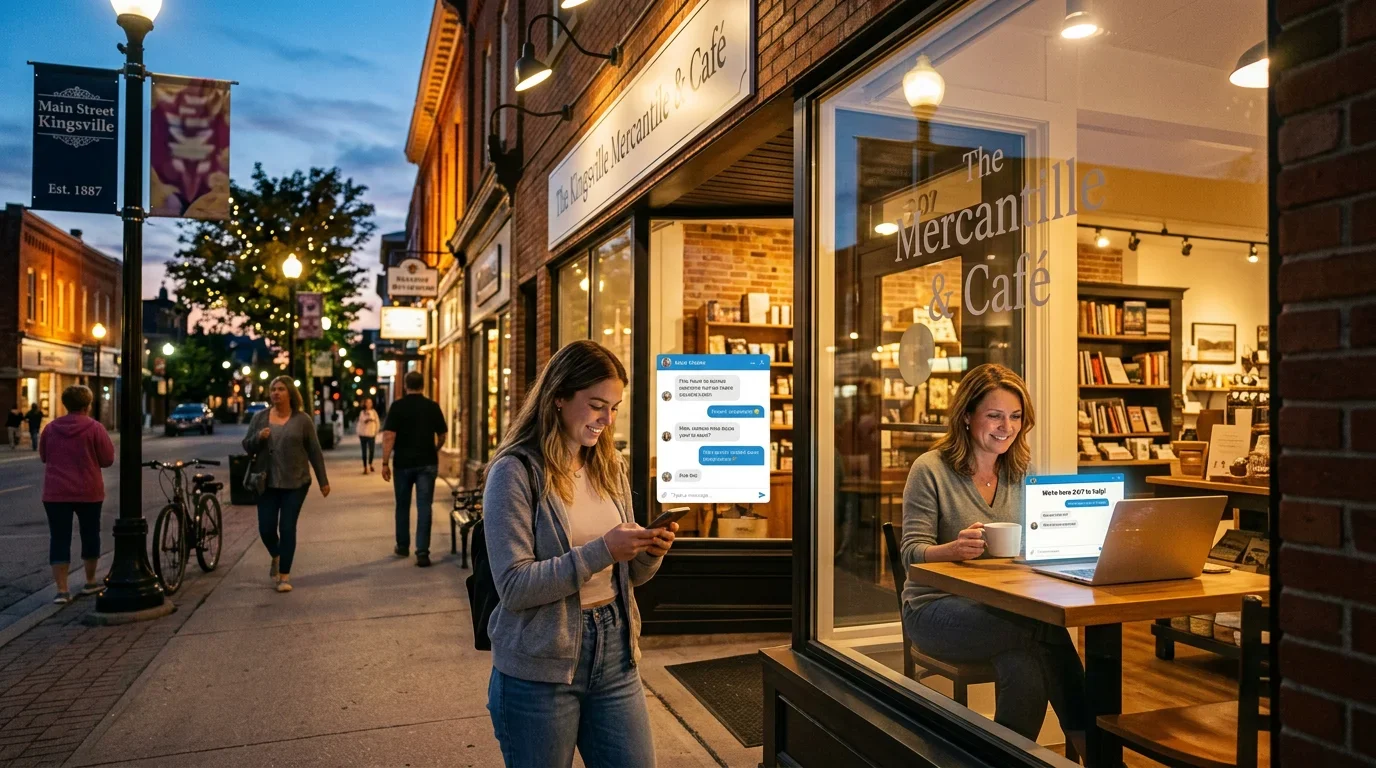
A chatbot is the front line. It’s the bubble in the corner of your website that pops up and asks if someone needs help. Modern chatbots, built on conversational AI, can answer common questions, route specific requests, and capture contact information without anyone on your team being involved.
Practical example: A roofing company in the Windsor-Essex region installed a chatbot configured to handle three common scenarios: storm damage inquiries, quote requests, and warranty questions. When a visitor lands on the site after hours and types “tree fell on my roof,” the bot responds with reassurance, asks for the address and a photo if possible, and confirms a same-day callback. The owner wakes up to a fully documented lead, complete with photos and address, ready to dispatch a crew before 9 AM.
For a full breakdown of what a modern chatbot actually does on a small business website, see What a 24/7 Chatbot Does for Your Website.
Lead Capture Forms
The classic contact form, done right. Not the 14-field monster that asks for everything from birthday to budget. A short, smart form that asks for name, phone, email, and a one-sentence description of what they need. Place it on every service page and in the footer of every page.
Practical example: An HVAC company replaced its single “Contact Us” page with embedded forms on each service page (furnace repair, AC installation, duct cleaning, etc.). Each form is tagged so the lead automatically gets routed to the right technician’s queue. Overnight submissions now arrive pre-categorized, and the morning dispatcher can prioritize urgent calls before opening hours.
Automated Text Responses
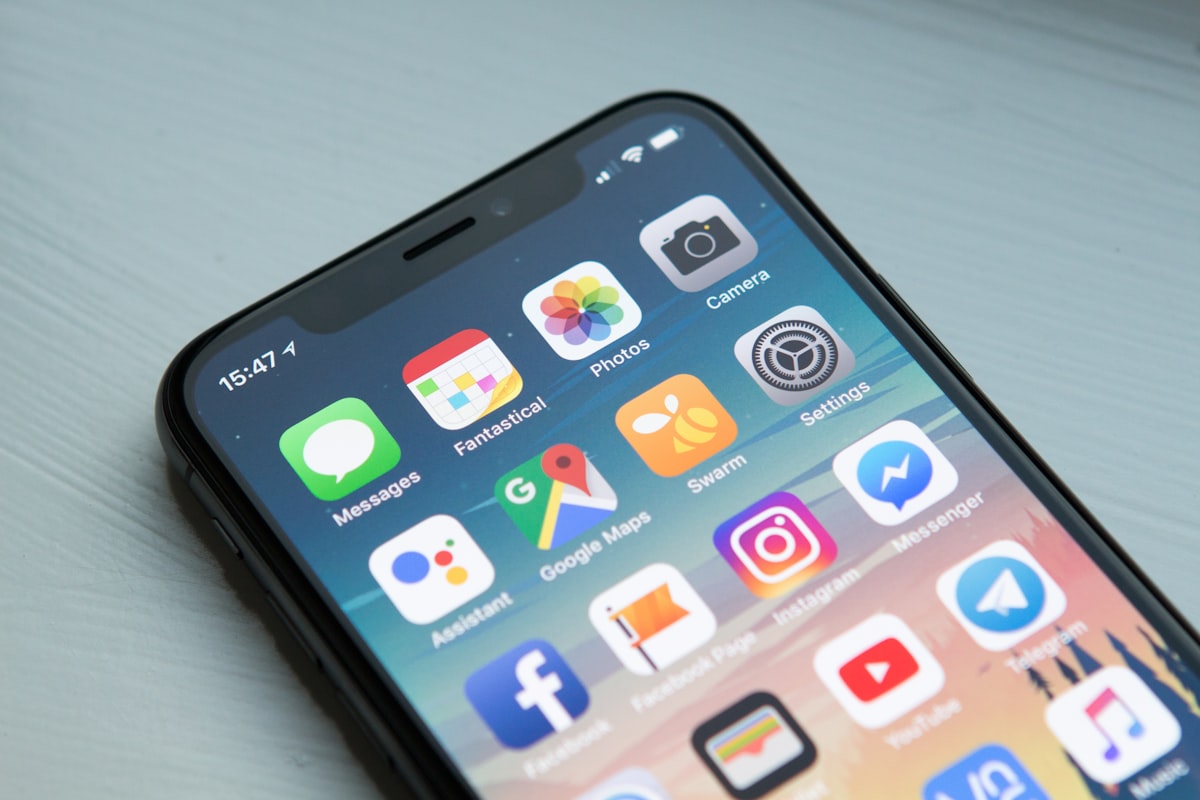
When someone calls your business after hours and gets voicemail, they hang up. But when they call and get an immediate text message saying “Hi, we got your call. We’re closed right now but will reach out at 8 AM. If it’s an emergency, reply EMERGENCY and we’ll page someone on call,” they stay engaged.
Practical example: A small plumbing operation set up call forwarding to a service that auto-texts every missed call. The text confirms receipt, asks for a brief description of the issue, and offers an emergency option. The plumber went from missing nearly every after-hours call to capturing roughly 80% of them as text conversations he could review and prioritize first thing in the morning.
Online Booking Widgets
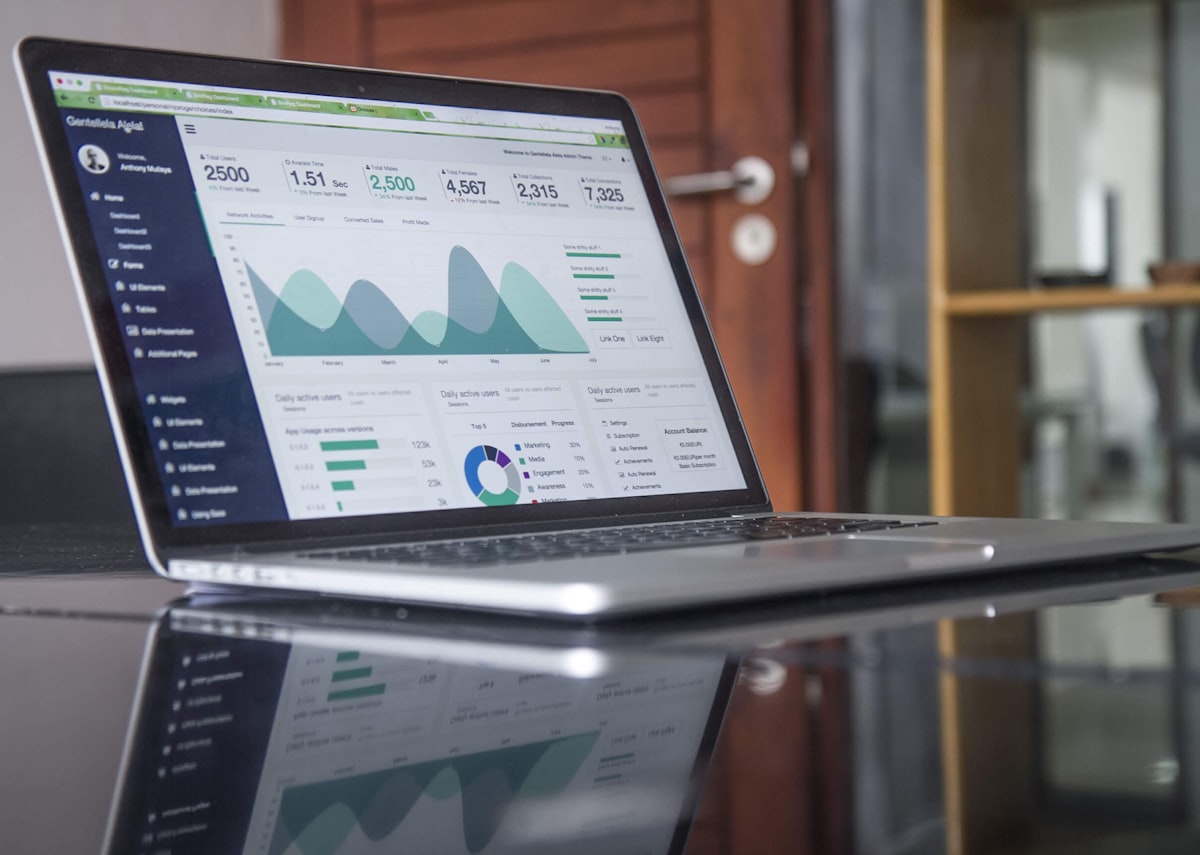
For appointment-based businesses, a booking widget is the highest-converting tool in the toolkit. Instead of “call us to schedule,” the customer picks a time slot, fills in their details, and gets a confirmation email. The job is booked before you’ve even finished dinner.
Practical example: A Kingsville, Ontario auto detailing shop installed an online booking widget tied directly to its Google calendar. Customers can see real-time availability and book a slot for the following week with three clicks. Roughly 40% of bookings now happen between 7 PM and midnight. The owner used to spend the first hour of every morning playing phone tag to confirm appointments. That hour is now free.
Smart FAQ Pages
A well-built FAQ section answers the questions people are afraid to ask or don’t want to wait until morning to ask. Pricing ranges, service areas, how long jobs typically take, what to do in an emergency, what brands you carry, whether you offer financing. Every question you’ve ever answered on the phone is a question someone is silently asking your website at 9:47 PM.
Practical example: A residential cleaning service noticed its top three after-hours support requests were about pricing, service areas, and pet policies. They built a dedicated FAQ page covering exactly those questions in plain language. Bounce rate on the site dropped, time-on-page doubled, and contact form submissions went up 35% because visitors were no longer leaving to figure out the basics elsewhere.
The Morning Inbox Transformation
Picture two versions of your Tuesday morning.
Version one: You arrive at the shop at 8:00 AM. You make coffee. You open your email. There’s a newsletter from a supplier, a spam offer for SEO services, and a reminder about a chamber of commerce meeting. No leads. You assume the overnight was quiet, like most overnights.
Version two: You arrive at the shop at 8:00 AM. You make coffee. You open your email. Three qualified inquiries are sitting in your inbox. One is a homeowner who used the chatbot at 6:45 PM to ask about furnace replacement and submitted photos of her current unit. Another is a small business that booked a quote appointment for Thursday at 2 PM through the online widget. The third is a text-message lead from a missed call at 9:12 PM, asking about pricing for a bathroom renovation.
You haven’t done anything yet. The day hasn’t even started. You’re already three real conversations into the morning, with two appointments on the books and a fourth lead being followed up by your assistant.
That’s the difference. Not a marketing campaign. Not a referral push. Not a new ad budget. The same traffic your website was getting before, just actually captured instead of leaking out the back door.
Owners who make this shift describe the same experience: it doesn’t feel like more leads. It feels like the leads they already had, finally showing up.
The Cost of Doing This vs. the Cost of Not
Let’s put real numbers on this. Skeptical owners always want the math, and the math is the easy part.
A complete after-hours capture system, chatbot, lead forms, automated text replies, booking widget, and FAQ build-out, typically costs a small business somewhere between $200 and $600 per month, depending on volume and complexity. Call it $400 a month for a working example. That’s $4,800 a year.
Now consider the lost-lead side. If your average customer is worth $500 in revenue (a low estimate for most service businesses), you only need to capture 10 additional customers per year for the system to pay for itself. Ten. Across an entire year. Most businesses that install proper after-hours capture see that in the first month.
Run it the other direction. If your average customer is worth $2,000 (closer to the reality for HVAC, plumbing, roofing, renovations, auto repair), capturing just 3 additional customers per year covers the entire investment. Anything beyond that is profit you weren’t earning before.
Then there’s the cost you don’t see on a spreadsheet: the customers who hire your competitor, post a five-star review on the competitor’s site, refer their friends to the competitor, and become someone else’s lifetime customer because you weren’t reachable at 8:47 PM on a Tuesday. That compound loss is the one that quietly hollows out a business over years.
The decision isn’t whether you can afford to set up after-hours capture. It’s whether you can afford to keep losing the customers you’re already paying to attract through every other channel: your Google Business Profile, your social media, your word-of-mouth referrals, your existing SEO. All of that traffic is finding your site after hours and bouncing because there’s nothing to catch them.
What This Actually Looks Like to Set Up
The good news: you don’t need to build all five tools at once. Most businesses see immediate impact from just two: a chatbot and an automated text-response system. Those two alone close the biggest gap, the 5:21 PM moment when a visitor needs to know that someone, somewhere, is paying attention.
From there, layer in the booking widget if you’re appointment-based, the FAQ page if you handle a lot of pre-sale questions, and improved lead forms on every service page. Each piece reinforces the others. Together they turn your website from a brochure that goes dark at 5 PM into a working storefront that captures opportunity 24 hours a day.
The technology is mature, the costs are predictable, and the setup is straightforward when you work with someone who’s done it before. The hard part is making the decision to stop losing what you’ve already paid to attract.
Stop Losing Overnight Leads
If your business closes at 5 PM and your website effectively closes with it, Doorways Into Your Business builds after-hours capture systems for small and medium businesses across the Windsor-Essex region. Book a free consultation at https://blog.diyb.ca/contact-diyb and find out what your overnight inbox could look like 30 days from now.