

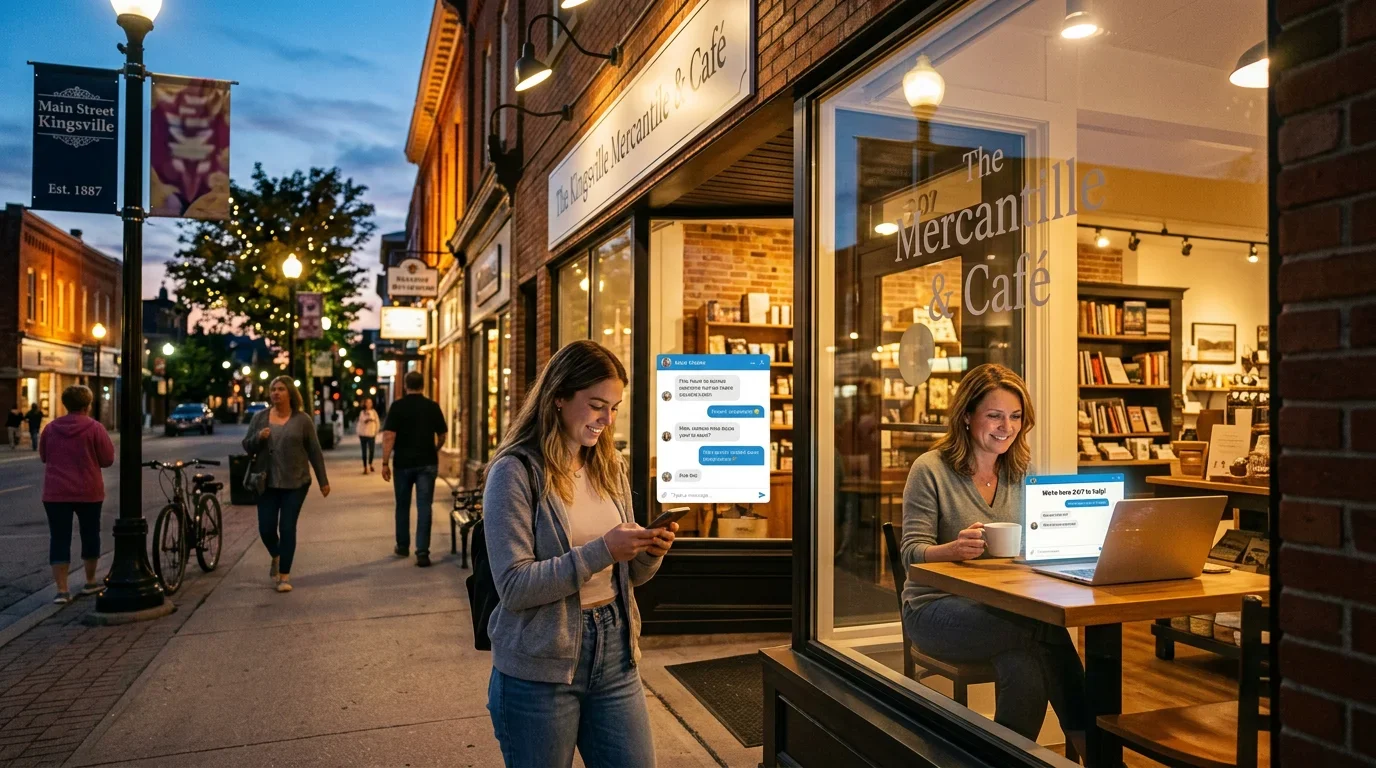
Most small business owners picture an AI chatbot as either a sci-fi fantasy or an enterprise tool with a five-figure price tag. The reality is considerably less dramatic, and considerably more useful.
A chatbot isn’t a robot employee. It’s closer to a well-organized FAQ page that can hold a conversation. For a small business, that distinction matters, because a lot of what you or your staff answer every single day is the same 6 questions, asked by different people, at all hours.
This article breaks down exactly what a chatbot handles well, what it doesn’t, and what a realistic day of chatbot activity looks like for a typical small business.
What People Imagine vs. What Actually Happens
The imagination version: a sophisticated AI that understands every nuance, handles complaints, writes proposals, and never sleeps.
The real version: a tool that answers “What are your hours?”, “Do you offer X service?”, “How do I book an appointment?”, and “What’s your address?” at 11 PM on a Sunday, so you don’t have to.
That gap between expectation and reality is why a lot of business owners dismiss chatbots too early. They’re measuring a practical tool against a science fiction standard.
A well-configured chatbot on your website or Facebook page does one thing reliably: it handles the repetitive, low-stakes information requests that currently either go unanswered after hours or eat up your working day. If your business loses customers because no one responds to basic inquiries outside business hours, that’s the problem a chatbot solves. (This connects directly to what we covered in Your Business Closes at 5 PM.)

The 5 Things a Chatbot Handles Well
1. Frequently Asked Questions
Price ranges, service areas, turnaround times, pet policies, parking availability. Whatever your most common questions are, a chatbot can answer them accurately and instantly, without interrupting anyone.
Most businesses have 8 to 12 questions that account for roughly 80% of their inbound inquiries. A chatbot trained on those questions handles the bulk of your information load.
2. Hours, Location, and Contact Information
These seem trivial until you realize how many people abandon a business’s website because they can’t find the answer in under 10 seconds. A chatbot surfaces this immediately, in conversation, without requiring visitors to hunt through your footer or About page.
3. Appointment Booking
When connected to a scheduling tool like Calendly, Acuity, or a built-in booking system, a chatbot can walk a visitor through selecting a service, choosing a time, and confirming a booking without any human involvement. This works especially well after hours, when the alternative is a form submission that gets answered the next morning, if at all.

4. Lead Capture
A visitor arrives, has a question you haven’t pre-programmed, and wants to talk to a real person. A chatbot can collect their name, phone number, email, and a brief description of what they need, then hand that off cleanly so you or your team can follow up during business hours.
This is significantly better than a contact form because the conversation is already started. The visitor has described their problem. You’re walking into a warm conversation, not a cold inquiry. Your website should be doing this work proactively, and a chatbot is one of the tools that makes it happen.
5. Routing Urgent Inquiries
Some chatbots can be configured to recognize urgency cues (“emergency,” “urgent,” “broken,” “not working”) and escalate appropriately. This might mean displaying an emergency phone number, triggering a notification to a mobile device, or flagging the conversation for immediate human follow-up.
What a Chatbot Doesn’t Replace
Clarity here matters. A chatbot is not a customer service team. It doesn’t replace human judgment in the situations that actually require it.
Complex problem-solving. A customer with a complaint that involves multiple factors, a billing dispute, or an unusual situation needs a human. A chatbot that tries to handle these creates more frustration than it solves.
Negotiations and proposals. Pricing conversations that involve nuance, trade-offs, or custom arrangements belong in a human conversation. A chatbot can capture the initial details and set the stage, but it shouldn’t be trying to close a deal.
Relationship building. Long-term clients, high-value accounts, and sensitive conversations all benefit from a person who knows the context and history. A chatbot doesn’t maintain a relationship. It handles a transaction.
The right mental model: a chatbot is the front desk at a doctor’s office. It checks you in, answers basic questions about the clinic, and lets the right person know you’re there. It’s not the doctor.
A Day in the Life: 24 Hours of Chatbot Activity
Here’s a realistic picture of what chatbot activity might look like for a home services company, a health clinic, or a professional services firm on an average weekday.
7:00 AM. A potential customer checks the website before heading to work. They ask whether the company serves their area and what the rough cost for a basic service call is. The chatbot answers both. The customer bookmarks the site.
9:30 AM. An existing customer asks about cancellation policy before calling to reschedule. The chatbot answers. No hold time, no staff interruption.
11:15 AM. Someone visiting from a Google search asks a question the chatbot doesn’t have a pre-programmed answer for. The chatbot collects their name and phone number and tells them someone will follow up within a few hours. Lead captured.
2:45 PM. A visitor asks about availability for next week. The chatbot links directly to the booking calendar. They book without calling.
4:30 PM. Another lead capture. A visitor wants to know about a specific service the chatbot can describe only generally. They leave their contact details for a follow-up conversation.
7:00 PM. After business hours. A visitor wants to book an appointment for early next week. The chatbot walks them through the scheduling flow. Appointment confirmed.
11:00 PM. Someone searches for emergency contact information. The chatbot surfaces the emergency line immediately.
That’s 8 meaningful interactions, 3 of which directly advanced toward a booking or lead, and all of which happened without any staff involvement. Across a week, that adds up.
The Cost Reality
Most chatbot solutions practical for a small business fall in the $50 to $200 per month range. Some platforms, like Tidio, Freshchat, or ManyChat, have functional free tiers that cover basic use cases.
What you pay for at higher tiers is typically: more sophisticated conversation flows, integrations with your booking software or CRM, AI that can handle more varied questions, and better analytics.
For most small businesses, the middle tier of a reputable platform, somewhere around $80 to $120 per month, covers everything described in this article.
Compared to the cost of a missed lead, an after-hours inquiry that went cold, or the cumulative time your staff spends answering the same questions every week, the math is straightforward.
How to Set One Up Without Technical Skills
Most modern chatbot platforms are built for non-technical users. The process looks roughly like this:
Choose a platform. Tidio, Drift, Freshchat, ManyChat, and Intercom all have small business plans. If your website is on WordPress or Squarespace, look for platforms with a direct integration.
List your 10 most common questions. These become the foundation of your chatbot’s knowledge. Write out the accurate, complete answer to each one.
Set up a lead capture fallback. For any question the chatbot can’t answer, configure it to collect the visitor’s name, contact info, and question.
Connect your booking tool. If you use an online scheduler, most platforms allow you to link directly to it, or embed it within the conversation.
Test it. Walk through every scenario yourself. Ask the questions your customers ask. Fix the gaps before it goes live.
Review weekly for the first month. Look at what questions came in that you hadn’t anticipated. Add them. The chatbot gets more useful over time as you close those gaps.
The most common mistake is overcomplicating the setup at the start. A chatbot that answers your 10 most common questions reliably is more valuable than an elaborate system that tries to do everything and does it poorly.
The Practical Summary
A chatbot doesn’t replace your team. It handles the predictable, repeatable, low-stakes communication that happens at all hours so your team can focus on the work that actually requires human skill.
For a small business that loses leads after hours, spends time answering the same questions repeatedly, or wants to capture more bookings without hiring additional staff, a chatbot is one of the more cost-effective tools available. It’s not complicated, it’s not expensive, and it doesn’t require a developer to set up.
The businesses that benefit most from AI customer service tools are the ones that implement them practically, train them on real questions, and treat them as a system to maintain rather than a one-time setup.
If you want to see what an AI customer service setup would look like for your specific business, Paul Hughes at Doorways Into Your Business can walk you through the options and handle the configuration. Book a free consultation at https://blog.diyb.ca/contact-diyb.