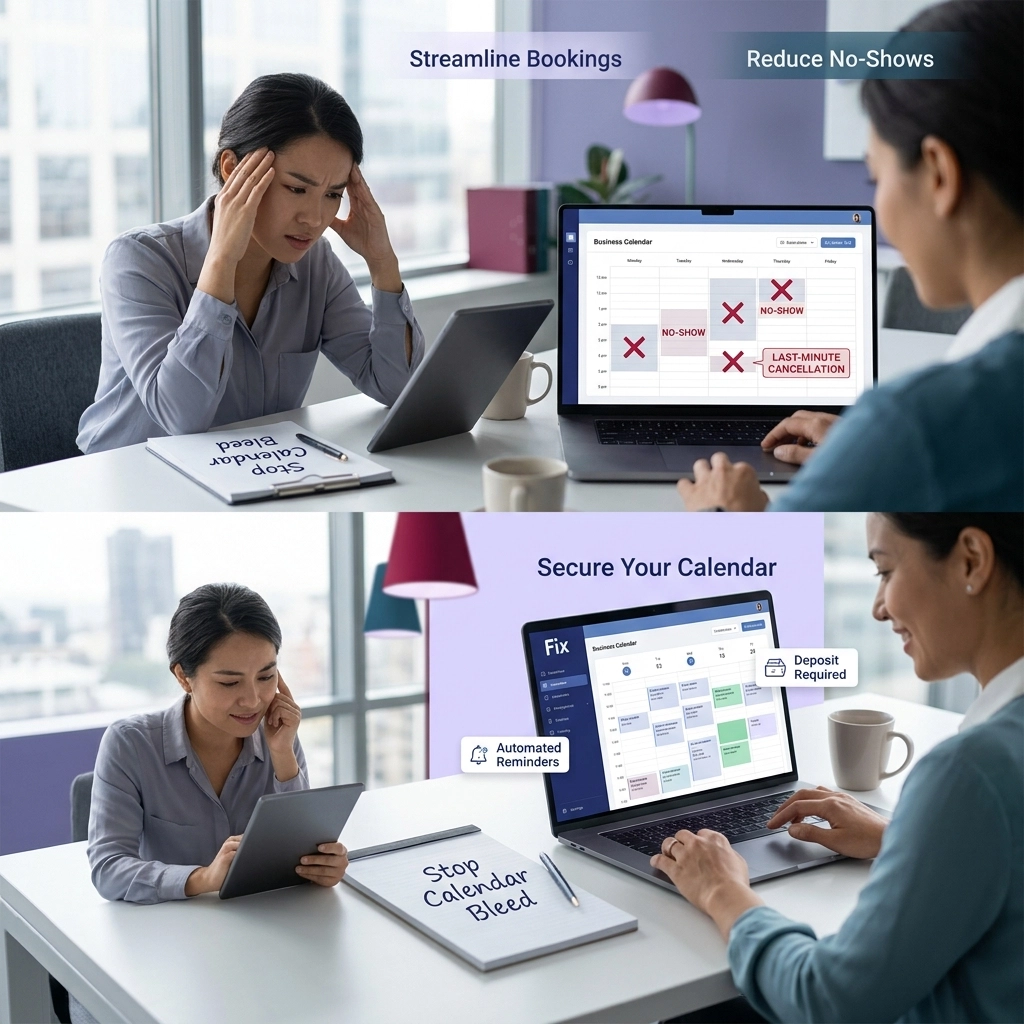

A no-show isn’t just an empty slot. It’s a service provider standing by, a room prepared, a block of time that can’t be resold, and revenue that disappears without warning.
For service businesses running tight schedules, even a 10% no-show rate can mean thousands of dollars lost every month.
The good news: most no-shows aren’t malicious. People forget. Life gets busy.
A reminder sent at the wrong time, in the wrong format, or without an easy way to reschedule is functionally the same as no reminder at all. The solution isn’t chasing clients. It’s building a reminder sequence that does the work automatically, every time, without fail.
This article covers exactly how to build that sequence: the timing, the channels, the message structure, and how to measure whether it’s working.
The Optimal Reminder Sequence
The single biggest mistake service businesses make with reminders is sending one message and calling it done. One reminder is better than none. A properly timed sequence is dramatically better than one.
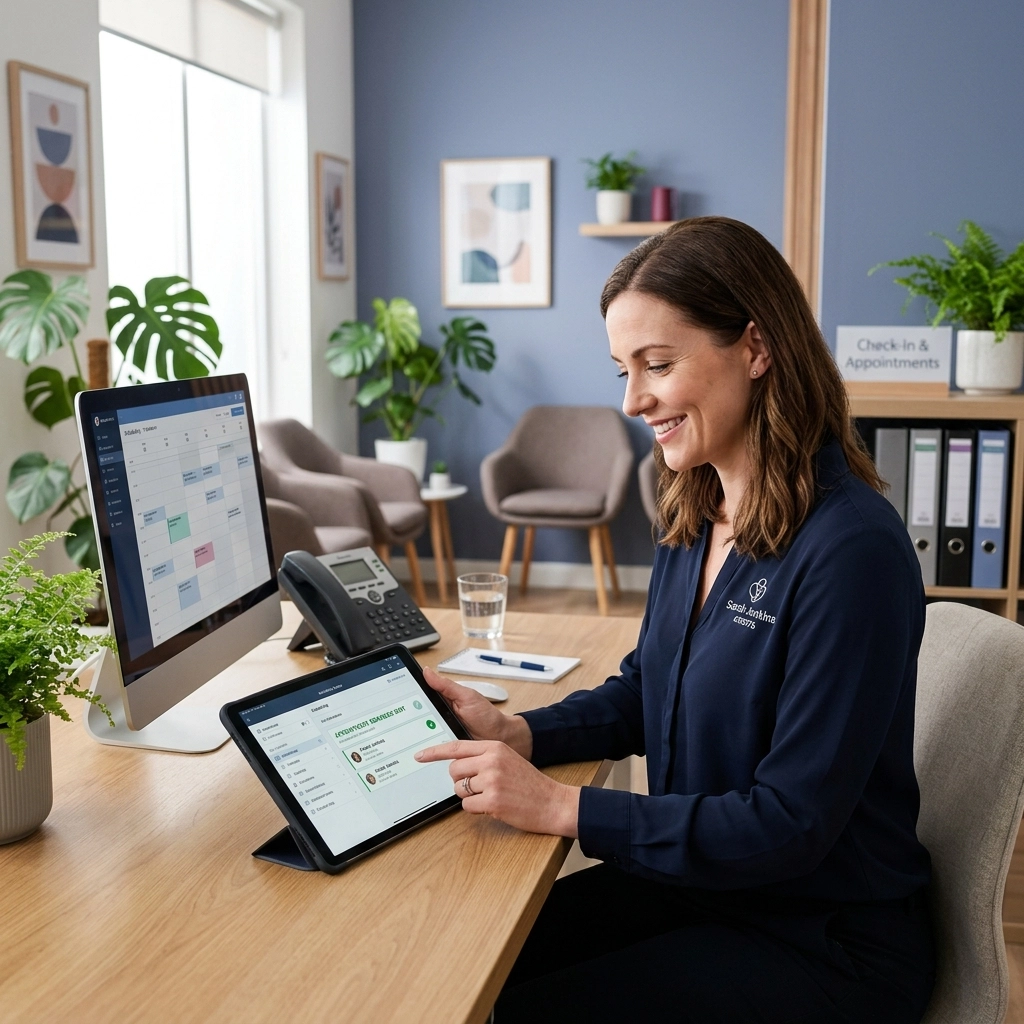
Here’s the sequence that consistently performs across service businesses, from medical offices to hair salons to home service providers.
Step 1: Immediate Confirmation (Booking Moment)
The moment a client books, they should receive a confirmation. This does two things: it confirms the appointment is real, and it sets the expectation that they’ll hear from you again before the appointment.
The confirmation should include the date, time, service booked, provider name, and your cancellation or reschedule policy. This is also where you plant the reschedule link (more on that below) so clients know from the start that rescheduling is easy and expected if plans change.
Send this via both email and text. Email because it contains the full details clients may want to reference. Text because it gets seen.
Step 2: 24-Hour Reminder (Text + Email)
Send this reminder the day before the appointment. This is your highest-leverage message.
Most no-shows happen because clients simply forgot the appointment was coming, and a 24-hour heads-up catches them with enough time to either confirm, reschedule, or free your slot for someone else.
Include the appointment details, a two-way confirmation prompt (covered in detail below), and the reschedule link. Keep the text version short: 3 to 5 sentences. The email can include more detail, but most clients won’t need it if the text lands first.
Step 3: 2-Hour Reminder (Text Only)
Send a short text two hours before the appointment. No email at this stage.
The purpose of this message is simple: catch anyone who hasn’t thought about their appointment yet today. It’s also close enough that a client can still call or reschedule without leaving your slot completely empty.
This message can be brief. “Hi [Name], your [Service] with [Provider] is in 2 hours at [Time]. Reply YES to confirm or visit [link] to reschedule.” That’s the whole message.
Step 4: Easy Reschedule Link (Every Message)
Every message in the sequence should include a one-click reschedule link. Not a phone number. Not “call us to reschedule.”
A link that opens directly to available slots and lets the client book a new time in under two minutes.
This is the most underused piece of the sequence and one of the most valuable. Clients who want to cancel often don’t, because cancelling feels like an interaction. If reschedule is easier than no-show, many clients choose reschedule.
Why Text Beats Email for Reminders
Email open rates for service business appointment reminders average around 30 to 40%. Text message open rates average above 95%, and most texts are read within 3 minutes of delivery.
That gap matters enormously for time-sensitive reminders. A 24-hour reminder sent at 3pm needs to be seen before the client goes to bed. A 2-hour reminder needs to be seen now.
Email can’t guarantee that. Text almost always delivers.
This doesn’t mean abandoning email. Email is valuable for the initial confirmation because it provides a searchable, storable record clients can return to.
But for the time-critical reminders that actually prevent no-shows, text is the delivery mechanism that works.
If your current system relies entirely on email reminders, that’s likely a significant contributor to your no-show rate. The fix isn’t better email copy. It’s adding text to the sequence.
The Reschedule Option: Recovering Would-Be No-Shows
Research across appointment-based businesses consistently shows that roughly 40% of clients who would have no-shown will reschedule if given a frictionless option at the right moment.
That number deserves attention. A no-show gives you nothing: an empty slot, lost revenue, and no future appointment on the books.
A reschedule gives you a client still in your pipeline, a future appointment, and an open slot that can be filled by someone else. The difference in business value between those two outcomes is significant.
The key word is frictionless. A reschedule link that takes clients to a form, requires a login, or routes them through a phone call is not frictionless.
A link that opens a live booking calendar, shows available slots, and confirms the new time in two taps is frictionless.
For businesses dealing with no-shows as a chronic problem (see No-Shows Are Bleeding Your Calendar for the full breakdown of what that costs you), implementing the reschedule link alone often produces an immediate and measurable improvement in both no-show rates and rebooking rates.
Build the reschedule link into every message from booking through the 2-hour reminder. Make it visible. Make it the obvious path for anyone whose plans have changed.
Personalization: The Details That Create Accountability
Generic reminders feel like spam. Personalized reminders feel like a commitment.
There are four pieces of information that meaningfully increase reminder effectiveness when included:
Client name. “Hi Sarah” outperforms “Hi there” because it registers as a real message from a real business, not an automated blast. Clients are more likely to read and respond.
Specific service. “Your 60-minute deep tissue massage” is more concrete than “your appointment.” It reminds the client what they booked and why they wanted it. That specificity matters when they’re deciding whether to follow through.
Provider name. “with Jordan” or “with Dr. Chen” adds a relational layer. Clients who know they have an appointment with a specific person they like are less likely to no-show than clients with a vague appointment at a business.
Exact time and location. Remove any ambiguity. If a client has to check their original confirmation to find out when or where, that’s friction that reduces follow-through.
Most modern booking and CRM platforms support merge fields that pull this information automatically. There’s no reason to send a generic reminder when personalization is built into the tool.
If your current system can’t personalize at this level, that’s a capability gap worth addressing.
Two-Way Confirmation: Creating a Commitment
There’s a meaningful psychological difference between receiving a reminder and actively confirming an appointment.
A client who reads a reminder and does nothing has acknowledged the appointment passively. A client who replies “YES” to confirm has made a small but real commitment. That commitment increases follow-through.
The mechanic is simple: end your 24-hour reminder text with “Reply YES to confirm your appointment or visit [link] to reschedule.”
When the client replies YES, your system logs the confirmation. If there’s no reply, your system can flag the appointment for follow-up or send the 2-hour reminder with additional urgency.
This also gives you actionable data. If a significant portion of your confirmed appointments still no-show, the problem may be somewhere else in the client experience.
If your unconfirmed appointments no-show at twice the rate of confirmed ones, the two-way confirmation is doing exactly what it should.
For businesses struggling with phone tag around appointment confirmation (a related problem covered in Stop Playing Phone Tag), automated two-way confirmation through text effectively eliminates the back-and-forth. The system handles confirmation without staff time.
Setting Up the Automation
The reminder sequence described above should run automatically from the moment a booking is made. Manual reminder systems, where a staff member sends messages individually, don’t scale, introduce human error, and often get skipped when the business is busy.
That’s exactly when no-shows are most damaging.
Here’s what you need to build this:
A booking system with automated messaging built in. Platforms like DIYB’s Appointment Booking Systems, or alternatives like Square Appointments, Acuity, or Jane, can trigger messages based on appointment time. The trigger rules are simple: send on booking, send 24 hours before, send 2 hours before.
Text (SMS) capability. Your platform needs to send texts, not just emails. Confirm this before committing to a tool. Some platforms send confirmation emails only and require a third-party integration for SMS.
A reschedule link that connects to live availability. The link in every message needs to open real-time booking availability, not a static form. If a client clicks reschedule at 11pm and your soonest available slot is already booked, the link needs to show them what’s actually open.
Merge fields for personalization. Confirm that the platform supports client name, service name, provider name, and appointment time in message templates. Set up your templates once. The system populates the fields automatically.
A confirmation response handler. For two-way confirmation to work, your system needs to receive and log reply texts. Some platforms handle this natively. Others require a setup step or a third-party SMS provider.
Setup time for a complete reminder sequence on most platforms is two to four hours. That’s a one-time investment that runs indefinitely and works on every appointment you book from that point forward.
Measuring Impact: Track No-Show Rates Before and After
A reminder system is only as good as the results it produces. Track these numbers before you implement the sequence and again 30 to 60 days after.
Baseline no-show rate. Divide the number of no-shows in a period by the total appointments scheduled. If you had 200 appointments in a month and 30 no-shows, your no-show rate is 15%. Know this number before you change anything.
Post-implementation no-show rate. Run the same calculation 30 days after the sequence goes live. Most businesses see a 40 to 60% reduction in no-show rate within the first month. Some see more.
Reschedule rate. Track how many clients use the reschedule link rather than no-showing. This is revenue recovered. If 15 clients rescheduled instead of no-showing, and your average service value is $80, that’s $1,200 in recovered revenue in a single month.
Confirmation response rate. What percentage of your 24-hour reminders get a YES reply? A low response rate may indicate the message timing is off, the text isn’t arriving as expected, or the confirmation prompt needs adjustment.
Revenue impact. This is the number that matters most to the business. Calculate the value of recovered appointments against the cost of the reminder system.
For most service businesses, this math is straightforward: the system pays for itself quickly and continues generating positive returns every month.
Review these numbers quarterly and adjust the sequence if any metric signals a problem. Reminder timing preferences can shift. A sequence that performs well in January may need a small adjustment by summer if your client base changes.
Get a Booking System That Handles This Automatically
If you’re still sending reminders manually, or relying on a booking platform that only sends email confirmations, you’re leaving appointment recovery on the table every single week.

Doorways Into Your Business sets up Smart Digital Doorways including automated booking systems with full reminder sequences, two-way text confirmation, and reschedule links built in.
Book a free consultation at https://pxllnk.co/diyb-contact-us to see what the right setup looks like for your business.