

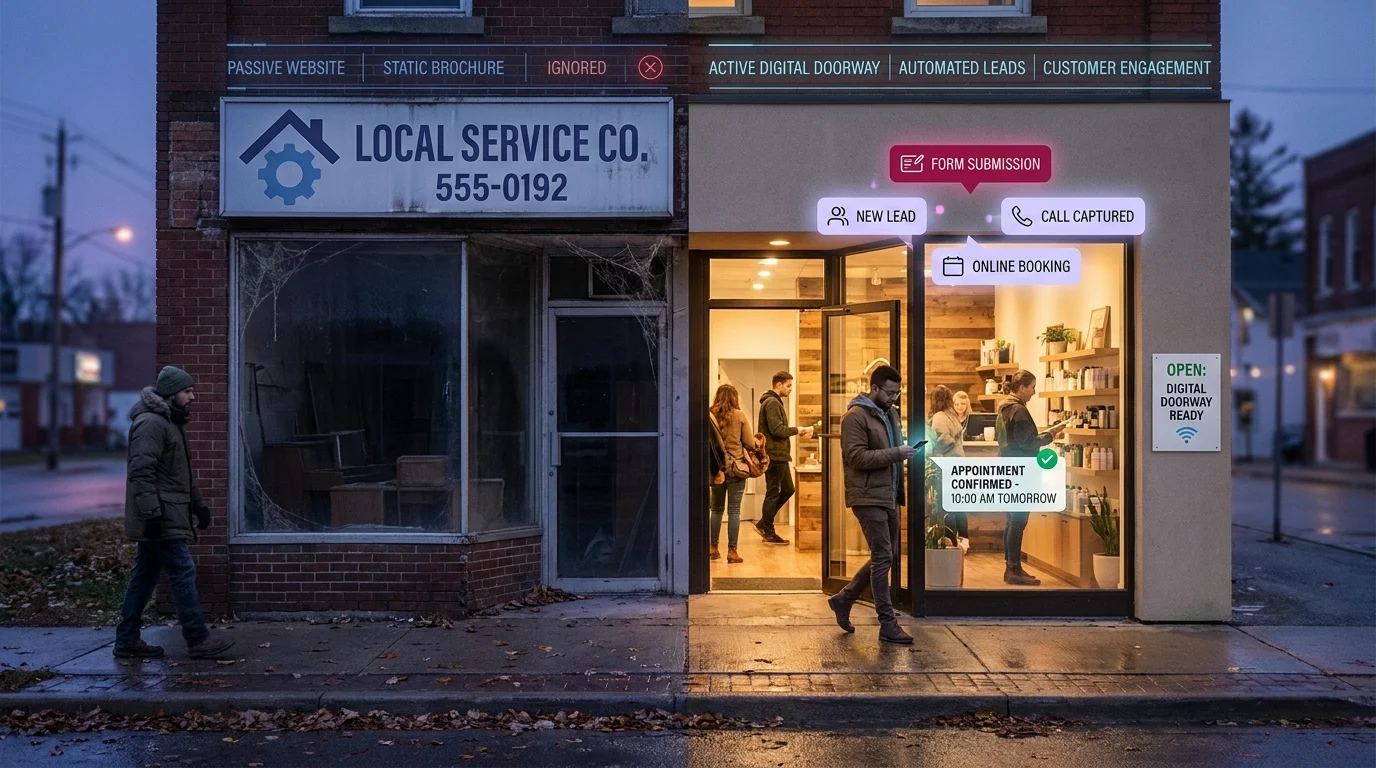
Most local business owners pay for a website once, look at it twice, and never think about it again. It has the logo, the phone number, a photo of the storefront, and a contact form nobody fills out. It sits online doing nothing, like a billboard pointed at an empty field. Meanwhile, the owner wonders why the thing they spent good money on never sends them a single customer.
A smart website for small business works differently. It earns its keep. The gap between a site that costs you money and a site that makes you money comes down to one question: is your website a brochure, or is it a doorway?
The Brochure Trap: Why Most Local Business Websites Just Sit There
A brochure site is built to be looked at. A doorway site is built to be walked through. The first describes your business. The second moves a stranger one step closer to becoming a paying customer. Most local websites are stuck in the first category, and the owners don’t realize it until they tally up how few leads the site actually produced last year.
What a Brochure Site Does
- Sits passively and waits for someone to call
- Lists services without telling visitors what to do next
- Goes silent the moment your business closes for the day
- Treats every visitor the same, whether they’re ready to buy or just browsing
What a Doorway Site Does
A doorway site attracts the right visitors through search, answers their questions before they have to ask, and converts that interest into a booked appointment, a form submission, or a phone call. It does this at 2 p.m. and at 11 p.m. The work continues while you sleep.
For businesses across Kingsville, Ontario and the Windsor-Essex region, that around-the-clock difference is the line between a website that’s an expense and one that’s an employee. The rest of this guide shows you how to build the second kind.
What a Smart Website for Small Business Actually Does
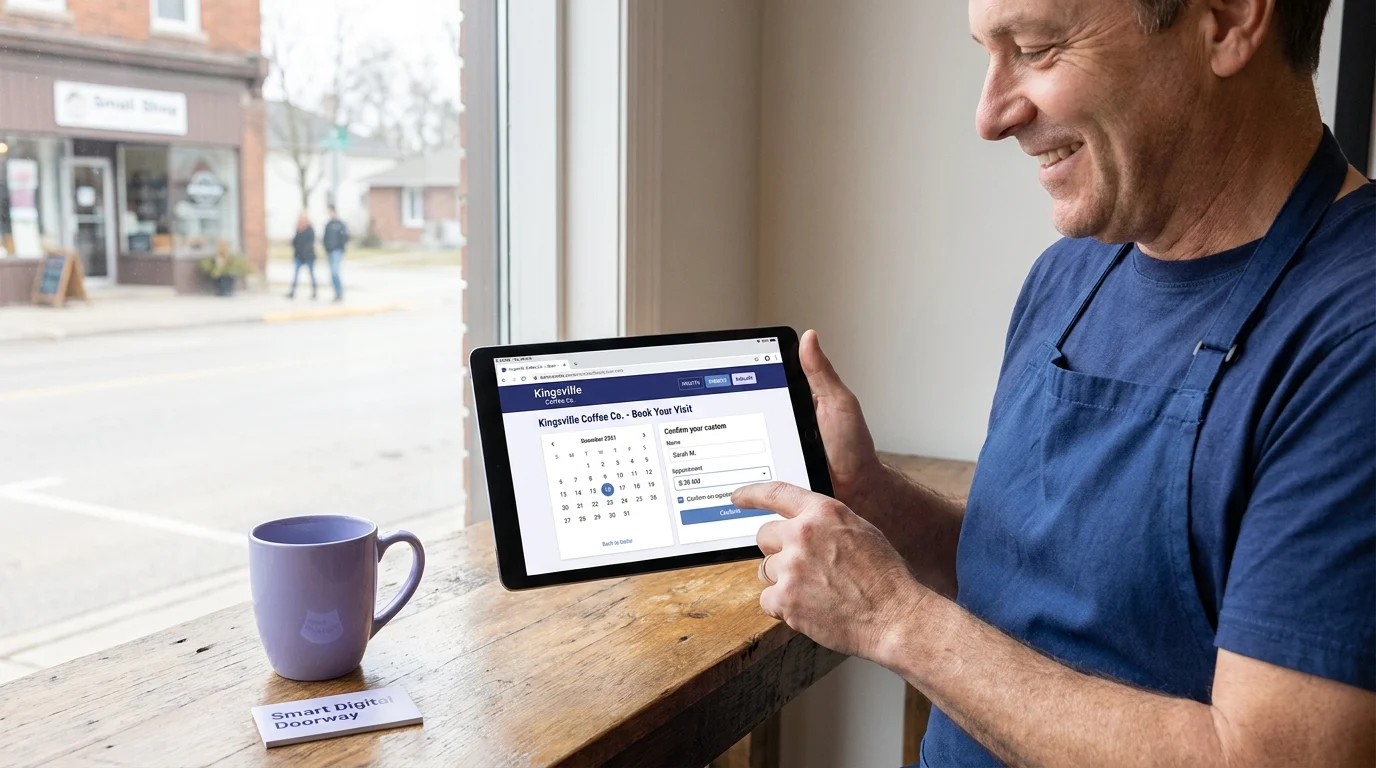
A brochure site displays information. A smart website for small business does work. That distinction is the whole game, and most owners never see it because they were sold a digital business card and told it was a marketing tool.
Think of your website as a doorway rather than a display. A display sits there hoping someone reads it. A doorway moves people through it, from stranger to lead to booked customer, without you standing beside it. We call this the Smart Digital Doorway model, and it changes what you expect your site to produce.
A Working System, Not an Online Business Card
A static site has one mode: present and wait. A working system has four jobs running at once.
- Capture: it collects contact details from visitors who would otherwise leave and never come back.
- Respond: it replies instantly, even at 11 p.m. on a Sunday, so the lead does not cool off.
- Qualify: it asks the right questions up front, so you spend time on real prospects instead of tire-kickers.
- Follow up: it nudges people who went quiet, because most jobs are won on the second or third touch, not the first.
The Difference It Makes
A static site treats every visitor the same: here is some information, good luck. A smart site treats a visit as the start of a conversation it can actually manage. The owner of a Kingsville, Ontario contracting business does not need to refresh his inbox every hour when the site is capturing, replying, and qualifying on its own.
The website stops being a cost you maintain and becomes a tool that returns something measurable: booked jobs, captured leads, and fewer opportunities lost to silence.
The Five Jobs Your Homepage Must Perform
Most homepages try to say everything and end up saying nothing. A homepage that works does five specific jobs in order, each one earning the next few seconds of a visitor’s attention.
1. Grab Attention in Three Seconds
The top of the page must answer one question instantly: what do you do and who is it for? A plumber’s homepage should not lead with a sunset stock photo and the word “Welcome.” It should say “Emergency plumbing in the Windsor-Essex region, same-day service.” Clear beats clever every time.
2. Answer the Obvious Questions
Visitors arrive with three questions: Do you solve my problem? Do you serve my area? How much does it cost? A homepage that ignores these forces people to dig, and most won’t. Address them above the fold or in the first scroll.
3. Build Trust Fast
Reviews, years in business, photos of real work, and recognizable local landmarks all signal that you are a real operation, not a fly-by-night listing. A handful of genuine Google reviews near the top does more than any “About Us” paragraph.
4. Capture the Lead
This is where a smart website for small business separates itself from a brochure. A visible form, a click-to-call button, or a chat widget gives the visitor a way to act right now, while the intent is hot.
5. Drive the Next Action
Every page should point to one obvious next step: book, call, or request a quote. Give people one clear instruction, repeated, rather than a scatter of competing links. When the homepage does all five jobs together, traffic stops leaking and starts converting.
How 24/7 Lead Capture Works in Practice
Most leads do not arrive between 9 and 5. They arrive at 9 PM when someone is scrolling on the couch, on a Sunday afternoon, or at 6 AM before a shift. If your only way to capture that interest is a phone that nobody answers, the lead is gone. A smart website for small business closes that gap by working three channels at once: the form, the call, and the follow-up.
The Form That Does More Than Collect Names
A capture form should ask for the minimum needed to act: name, phone or email, and what the person wants. Every extra field costs you completions. The moment a visitor submits, two things should fire automatically. First, the lead lands in one place you actually check (a CRM or even a dedicated inbox), tagged with the page it came from. Second, the visitor gets an instant confirmation so they know a human will follow up. That confirmation alone reduces the “I’ll just call the next guy” problem.
Capturing the Calls You Miss
You are on a roof or under a sink for most of the day. A missed-call-to-text system catches the calls you cannot answer and sends an automatic text: “Sorry we missed you, what do you need?” Now a missed call becomes a conversation instead of a dead end.
Follow-Up That Runs Without You
The first reply matters most. An automated sequence can send a thank-you, a booking link, and a reminder a day later if the person never responded. This is standard for businesses across the Windsor-Essex region that cannot stop work to chase every inquiry. The owner stays on the job; the system keeps the lead warm until there’s a free minute to call back.
A Kingsville Example: Turning Traffic Into Booked Jobs
Consider a heating and cooling contractor in Kingsville, Ontario. Call him Dave. Dave had a website. It loaded, it listed his services, it showed a phone number in the header. By every brochure standard, it worked. By the only standard that matters, booked jobs, it did almost nothing.
The Starting Point
Dave’s site pulled roughly 600 visitors a month from local searches like “furnace repair near me” and “AC installation Windsor-Essex.” Most of those people landed, scrolled, and left. The only way to contact him was a phone call during business hours. A homeowner researching a dead furnace at 9 PM had nowhere to go. The next morning they had usually called someone else.
The Changes
We did not rebuild the site. We gave it a job to do. Three changes:
- A short request-a-quote form above the fold, with a clear promise: “We respond within one business hour.”
- An after-hours capture flow that texted Dave a lead summary the moment a form came in, day or night.
- An automated follow-up that sent the homeowner a confirmation text immediately, so they knew they were in the queue and stopped shopping around.
What Happened
Traffic stayed flat. Conversions did not. Within 60 days Dave was capturing 18 to 22 qualified leads a month from the same 600 visitors, where before he guessed he got 3 or 4 calls. A meaningful share of those leads arrived after 6 PM, exactly the customers his old site lost.
The traffic was always there. A smart website for small business does not chase more visitors first. It converts the ones already arriving. That is the difference between a brochure and a doorway for any service business across the Windsor-Essex region.
Why Local Sites Fail to Convert — And the Fixes
A smart website for small business does not lose leads by accident. It loses them at predictable failure points, and each one has a fix you can apply this week. Here are the most common offenders across the sites we audit in Kingsville, Ontario and the Windsor-Essex region.
The phone number is buried
If a visitor has to scroll or hunt for how to reach you, many will leave. Fix: put a clickable phone number in the header on every page and repeat it at the bottom of each section. On mobile, tapping it should dial directly.
The site loads too slowly
Half of mobile visitors abandon a page that takes longer than three seconds. Fix: compress oversized images, drop unused plugins, and test your speed with a free tool like Google PageSpeed Insights. Aim for a load time under two seconds.
There is no single, obvious next step
Five competing buttons confuse people, so they choose none. Fix: pick one primary action per page (book, call, or request a quote) and make it the loudest element on the screen.
The form asks for too much
Every extra field costs you submissions. Fix: ask for name, phone, and the job only. Collect the rest in conversation after the lead comes in.
Nobody follows up fast enough
A lead that waits an hour for a reply has often already called a competitor. Fix: trigger an automatic text or email the moment a form is submitted, then have a human respond within minutes. Speed is the cheapest competitive edge a local business has.
What To Do Monday Morning
Reading about a smart website for small business is useless without action. Here is the ordered list. Work top to bottom. Do not skip ahead to the fun stuff before the foundation is set.
1. Open your homepage on your phone
Count the seconds until it loads. Read the headline. Within five seconds, can a stranger tell what you do, where you work, and what to do next? If not, that is your first fix.
2. Add one obvious call to action above the fold
A “Book Now” or “Get a Free Quote” button, large and contrasting, visible without scrolling. One primary action per page. Make the phone number tap-to-call on mobile.
3. Set up after-hours capture
Install a simple form or chat widget that collects name, number, and the job, then sends you an instant notification. Better yet, set an auto-reply so the lead hears back in under a minute, even at 11pm.
4. Plant three review requests
Text your last three happy customers a direct link to your Google review page. Reviews build the trust that turns a visitor into a booking.
5. Test the whole path yourself
Fill out your own form. Time how long the reply takes. Click your own booking link. If any step annoys you, it is costing you customers.
Done in order, these five steps move your site from a brochure to a working tool inside a week.
Key Takeaways
Your website has one job: turn visitors into customers. A brochure site that just sits there fails that job every day, especially after hours when most local searches happen. The fix is not a redesign. It is a clear headline, one obvious next step, fast lead capture that works around the clock, and the social proof to back it up.
If your site looks fine but the phone stays quiet, the problem is conversion, not appearance. Doorways Into Your Business helps small and medium business owners in Kingsville, Ontario and the Windsor-Essex region turn quiet websites into systems that book jobs and capture leads 24/7. Start with a free website audit at https://blog.diyb.ca/contact-diyb and find out exactly where your site is losing customers.